Mountain town remote work setup changes dramatically when winter arrives, and anyone planning to live or work full time in a high-elevation community needs systems that handle cold, snow, ice, shorter daylight, and intermittent access. In practical terms, a remote work setup includes your internet connection, power backup, heating plan, workspace ergonomics, vehicle readiness, grocery routines, delivery expectations, and emergency contingencies. In mountain towns, everyday living is tightly connected to weather, so the line between home office planning and basic household resilience disappears. I have set up remote workspaces in snow country homes where a clear morning turned into a road closure by noon, and that experience changes how you think about redundancy. Winter matters because productivity depends less on a beautiful desk and more on whether your pipes stay warm, your router stays powered, your tires grip packed snow, and your calendar accounts for plow delays. This hub article covers the full picture of moving and everyday living for remote workers in mountain towns, with winter-specific adjustments that help you protect work hours, reduce avoidable stress, and make the place livable through the longest season.
Winter changes the baseline for housing, utilities, and location decisions
In mild climates, remote workers often choose housing based on rent, square footage, or aesthetics. In a mountain town, winter makes thermal performance, road access, utility reliability, and snow management more important than finishes. Before moving, verify elevation, average snowfall, exposure, and whether the property sits on a priority plow route. A charming rental on a shaded road can remain icy for days after a storm. South-facing homes usually gain passive solar heat and melt snow faster, while north-facing driveways hold ice and raise maintenance demands. Ask whether the property has frozen pipe history, ice dam issues, roof snow load considerations, or backup heat. These are not edge cases; they are standard due diligence.
Heating type changes your risk profile. Natural gas furnaces are convenient, but many models still need electricity for controls and blowers, so a power outage can leave a warm house cold. Electric resistance heat is simple but expensive where winter rates are high. Heat pumps can perform well, especially cold-climate models, but capacity drops in severe temperatures and backup strips increase electrical demand. Wood stoves provide resilience if they are correctly installed, supplied, and vented, but they require daily labor, ash handling, and dry storage. Pellet stoves offer controllable heat, yet they also depend on electricity. If you work from home, ask one plain question: what happens here during a twelve-hour outage at ten degrees?
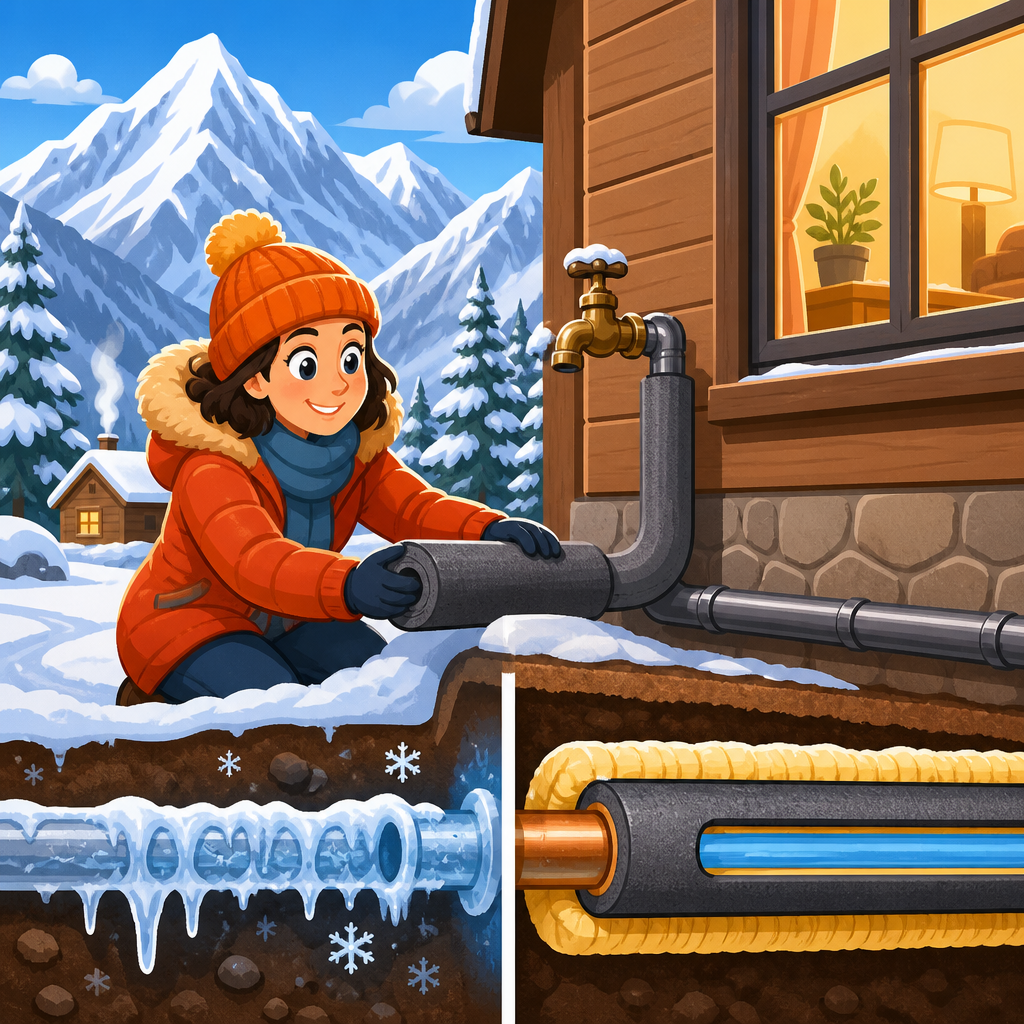
Water and plumbing also deserve scrutiny. Homes with crawl spaces, exposed supply lines, or marginal insulation are more vulnerable to freeze events. In mountain communities, some properties rely on wells and pressure tanks, which means no electricity can also mean no water. Septic systems add another layer, especially if access for pumping becomes difficult under deep snow. I advise remote workers to map every utility dependency before signing a lease or closing on a purchase: power source, heat source, internet path, water system, sewer or septic, and access road. Winter turns hidden weaknesses into workday interruptions.
Internet and power redundancy become mission critical, not optional
The most common mistake I see is assuming mountain-town internet behaves like urban broadband. It may not. Fiber exists in some resort areas, but many neighborhoods still rely on cable, fixed wireless, legacy DSL, or satellite. Performance can vary by street, tree cover, and storm conditions. When evaluating service, ask for actual upstream and downstream speeds, latency during peak evening hours, outage frequency, and whether lines are aerial or buried. For remote work involving video calls, large uploads, cloud desktops, or VPN connections, upload stability and latency matter as much as download speed. A plan advertised at two hundred megabits means little if jitter spikes during every storm.
A winter-ready remote setup uses layered connectivity. Primary service should be the best wired option available, ideally fiber or stable cable. Secondary service should use a different network path, most commonly a 5G or LTE hotspot from a different carrier. Test signal quality inside the actual workspace, because low-e glass, metal roofs, and terrain can weaken cellular reception. External antennas and window placement often improve usable speeds. Keep your router, modem, and primary laptop on an uninterruptible power supply sized for at least sixty to ninety minutes. That covers brief outages and gives you time to save work, finish a call, or switch to generator power if available.
Power planning should be realistic, not aspirational. A whole-house generator is ideal if local codes, noise rules, fuel storage, and budget allow. Portable inverter generators can support a modem, lights, and office equipment, but they require safe outdoor operation and fuel rotation. Battery stations are quieter and easier to use indoors, yet runtime is finite and high-watt heating loads will drain them quickly. The right backup depends on what you need to preserve: connectivity, heat circulation, refrigeration, well pump operation, or all of the above. For most remote workers, the minimum viable winter package is a UPS for network gear, a charged power station for laptops and phones, and a tested mobile hotspot.
Home office design must account for cold, darkness, and dry air
Winter home office comfort is not cosmetic. Cold fingers reduce typing speed, poor lighting increases fatigue, and overly dry indoor air irritates eyes and sinuses during long screen sessions. In mountain towns, the best workspace is usually not the room with the best view. It is the room with consistent temperature, strong internet signal, controllable light, and minimal drafts. Large windows can be inspiring, but they also create radiant heat loss and glare off snow. I often recommend positioning the desk perpendicular to windows, then using layered lighting: ambient light, a task lamp, and a monitor setup with brightness adjusted for darker afternoons.
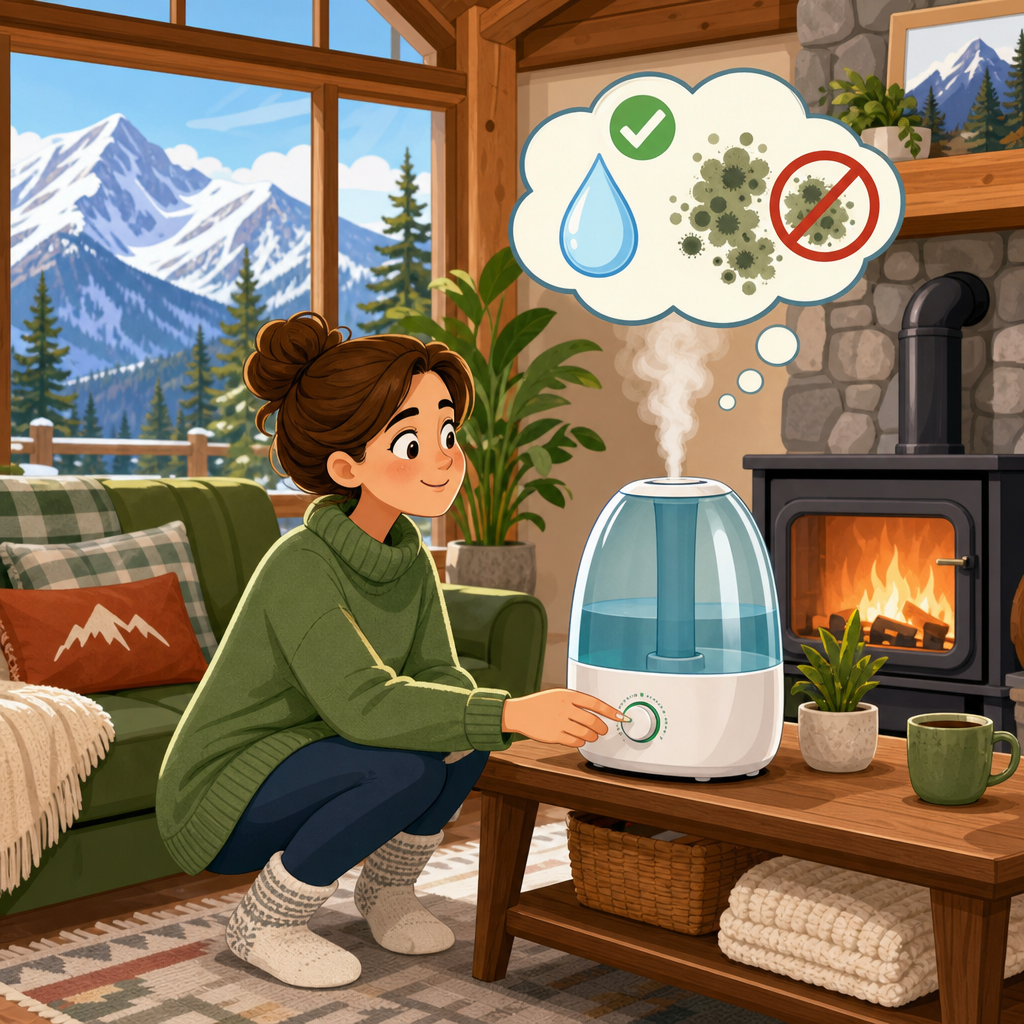
Humidity matters more than many people expect. Forced-air systems and wood heat can push indoor relative humidity very low, sometimes under 25 percent. That level increases static electricity, dries skin, and makes long workdays uncomfortable. A hygrometer and a correctly sized humidifier help, but avoid over-humidifying in very cold climates because condensation on windows can damage frames and encourage mold in hidden cavities. A target range around 30 to 40 percent is usually workable, though exact thresholds depend on outdoor temperature and building envelope performance.
Ergonomics also shift in winter. People sit longer when outdoor movement drops, so scheduled breaks become more important. Keep a place for wet boots, traction cleats, and outer layers near the entry to prevent melting snow from soaking the workspace. If your town experiences frequent inversion days or road closures, assume you may spend more consecutive hours at home than planned. That is a good reason to invest in a real office chair, external keyboard, webcam lighting, and acoustic treatment if the house has hard surfaces that echo during calls.
Vehicle readiness and daily mobility shape remote work reliability
Even fully remote workers in mountain towns depend on vehicles more than they expect. Winter commuting may mean driving to a coworking space when home internet fails, getting to a package pickup point, meeting a contractor, or reaching groceries before a storm. The wrong vehicle setup creates cascading problems. At minimum, use winter tires carrying the three-peak mountain snowflake symbol, not just all-season tires. Snow tires use a rubber compound that stays flexible in cold temperatures and significantly improve braking and steering on snow and ice. In many western states, traction laws can require chains or approved snow tires during storms, and rental agreements may restrict chain use, so verify the rules before you rely on a single plan.
Battery health declines in cold weather, diesel fuel can gel without proper treatment, and tire pressures drop roughly one PSI for every ten-degree Fahrenheit temperature decrease. Keep a winter kit in the vehicle with gloves, headlamp, shovel, tow strap if appropriate, traction boards or sand, blanket, phone charger, and windshield deicer. If you work on strict deadlines, maintain your fuel level above half a tank during storm periods. That is not old folklore; it preserves range if traffic stalls, supports cabin heat, and leaves margin if a detour is required. For electric vehicles, range losses in winter can be substantial due to battery chemistry and cabin heating demand, so charging access and route planning deserve careful review.
| System | Summer setup | Winter change | Why it matters for remote work |
|---|---|---|---|
| Internet | Single provider may be acceptable | Add cellular backup and UPS | Keeps calls and uploads running during outages |
| Heating | Comfort-focused settings | Backup heat and pipe protection | Prevents unsafe indoor temperatures and freeze damage |
| Workspace | Natural light prioritized | Control glare, dryness, and drafts | Improves concentration and reduces fatigue |
| Vehicle | General maintenance | Winter tires, kit, fuel discipline | Preserves mobility when roads deteriorate |
| Groceries | Frequent quick trips | Storm stock and fewer runs | Avoids schedule disruption and empty shelves |
| Deliveries | Predictable timing | Expect delays and pickup contingencies | Protects equipment replacement and supply planning |
Groceries, deliveries, and household routines need storm-proof planning
Moving to a mountain town often means changing shopping behavior. In summer, a quick midweek store trip may be easy. In winter, road conditions, tourist traffic, and storm timing make frequent small trips inefficient. Build a pantry with at least several days of staples you actually eat, plus backup coffee, pet food, prescription refills, and basic first-aid supplies. Focus on foods that support normal workdays rather than emergency theatrics: shelf-stable milk, oats, rice, pasta, eggs if you use them quickly, frozen vegetables, soups, tortillas, nut butter, and easy protein options. If your power is outage-prone, avoid relying entirely on foods that require long cooking times.
Delivery expectations also need recalibration. Carriers may mark packages delayed because of weather, inaccessible roads, or overflow at local hubs. Signature-required work equipment can be especially inconvenient if you are waiting on a laptop replacement, modem, or monitor. Use secure pickup locations when possible, and order critical equipment before you need it. I keep spare cables, chargers, a webcam, a headset, and at least one tested backup keyboard and mouse because replacement timelines in winter are not urban same-day timelines. This is one of the clearest differences between mountain-town living and city living: friction accumulates around ordinary errands.
Trash, snow removal, and entry management become part of everyday workflow as well. Know your local pickup schedule after storms, where to place bins without blocking plows, and who clears your driveway if you rent. A snow shovel is a minimum; a snow blower may be justified depending on snowfall totals and driveway length. Create a mudroom routine with mats, drying racks, and storage for layers. Small systems reduce disorder, and reduced disorder helps remote workers transition between home life and professional focus.
Community infrastructure, health access, and local knowledge matter more in winter
The best moving and everyday living decisions come from understanding the town beyond its scenery. Winter exposes differences in municipal services, healthcare access, and neighborhood resilience. Check how quickly roads are plowed, whether school closures affect traffic patterns, and where warming centers or backup workspaces exist. Many mountain towns have strong informal networks; neighbors share plow contacts, contractor recommendations, and weather-specific tips that no listing will mention. Integrating into that network is practical, not merely social.
Healthcare and pharmacy access deserve serious attention, especially for households with chronic conditions or young children. A clinic may be nearby, while the nearest hospital with full emergency capability could be an hour away in clear weather and longer during chain restrictions. Refill prescriptions early before major storms and identify telehealth options that work with your insurance. If you rely on specialized medical devices, include them in your power backup planning. Winter preparedness is not just about comfort and productivity; it is about continuity of care.
For remote workers, local public spaces can also act as redundancy. Libraries, community centers, and coworking offices sometimes maintain better backup power or commercial-grade internet than residential neighborhoods. Test them before an emergency day. Buy a coffee, spend an afternoon, verify your VPN connects, and learn parking rules during snow events. The hub mindset for moving and everyday living is simple: build options before you need them.
Winter changes every layer of a mountain town remote work setup, from the house you choose to the battery in your car and the backup path for your internet. The core lesson is that successful remote work in snow country depends on systems, not optimism. Prioritize a home with reliable heat, good insulation, and realistic access. Build redundant connectivity and power so a brief outage does not become a lost workday. Design your workspace for cold, low humidity, and short daylight. Treat vehicle readiness, grocery planning, and delivery timing as part of professional reliability, not side tasks. Learn how local plowing, healthcare, and community resources actually function in bad weather, because winter performance is what defines everyday livability in a mountain town.
As the hub for moving and everyday living under home systems, vehicles, and off-grid living, this guide should help you evaluate each downstream decision with a winter lens. If you are preparing a move, audit your housing, utilities, vehicle, and household routines now, then fix the weak links before the first storm arrives. That preparation is what turns mountain-town remote work from fragile to dependable.
Frequently Asked Questions
1. What changes most about a remote work setup in a mountain town once winter starts?
Winter changes a mountain town remote work setup from something that is mostly convenient to something that must be intentionally resilient. In warmer months, many people can get by with a standard internet plan, a basic home office, and casual errands. Once winter arrives, cold temperatures, snow accumulation, ice, wind, road closures, shorter daylight hours, and occasional utility interruptions all start affecting your ability to work reliably. That means your setup has to support not just productivity, but continuity.
The biggest shift is that every part of daily life becomes interconnected. Your internet matters more because getting to a backup location may be harder during storms. Your power backup matters because even short outages can shut down your modem, router, laptop charging, lights, and heating controls. Your heating plan matters because comfort directly affects concentration, and in very cold conditions, even a few hours without heat can become a property and safety issue. Your vehicle readiness matters because if you cannot get groceries, fuel, medications, or replacement equipment easily, your workday can be disrupted before you even log in.
Winter also changes scheduling. Deliveries may slow down, service calls can be delayed, snow removal may affect driveways and local access roads, and daylight disappears earlier, which reduces flexibility for errands before or after work. In practical terms, a winter-ready remote work setup in a mountain town usually includes a primary and backup internet option, battery backups for critical electronics, a reliable heating system with a contingency plan, a workspace that stays warm without becoming cramped or poorly ventilated, stocked household essentials, and realistic expectations for weather-related interruptions. The goal is not to eliminate every disruption. It is to build enough redundancy into your setup that bad weather becomes manageable rather than work-stopping.
2. How should I prepare my internet and power setup for winter in a mountain town?
Your internet and power plan should be built around the assumption that interruptions will happen at some point during winter. The question is not whether you can get online on a clear day. The real question is whether you can stay connected and keep working when the weather is poor, the power blinks, or access to town is temporarily limited. In mountain communities, reliability often matters more than raw speed, so start by evaluating the consistency of your primary connection, not just the advertised download number.
A strong winter setup usually begins with understanding your available internet options. If cable or fiber is available and historically stable, that may be your primary line. If not, fixed wireless, DSL, or satellite may be part of the equation, though each comes with tradeoffs in weather sensitivity, latency, or speed. Many full-time remote workers in mountain towns also keep a backup connection, most commonly a mobile hotspot on a different carrier than their home internet provider. That matters because a storm or outage can affect one network but not another. If your job depends on video calls, file uploads, or constant platform access, a backup connection is not a luxury. It is part of basic business continuity.
Power preparation is equally important. At minimum, use an uninterruptible power supply for your modem, router, and core workstation so short outages do not instantly knock you offline. If you use a laptop, that gives you additional built-in battery time, which is often more practical than relying on a desktop computer alone during winter. For longer interruptions, many remote workers benefit from a portable power station or a whole-home generator, depending on the frequency and duration of local outages. If your heating system requires electricity for fans, pumps, ignition, or thermostats, factor that into your emergency planning as well.
It is also wise to test your setup before peak winter. Check how long your backup battery actually lasts. Confirm that your hotspot works from your home and that your cell signal is adequate in snow conditions. Save key work phone numbers and meeting links in more than one place. If possible, tell your team in advance that you live in a high-elevation area where severe weather can occasionally affect service. The strongest winter internet and power setup is not just hardware. It is a combination of redundancy, testing, communication, and realistic planning.
3. What should a winter-ready home office include in a high-elevation mountain town?
A winter-ready home office in a mountain town should be designed for warmth, comfort, efficiency, and uninterrupted function over long indoor stretches. In cold-weather environments, your workspace is no longer just where you answer emails and join calls. It becomes a place where you may spend most of the day while temperatures stay below freezing outside, roads remain snowy, and daylight fades early. That means the office has to support your body, your equipment, and your focus in a more deliberate way than it might in a mild climate.
Start with location and heat retention. If possible, choose a room that stays consistently warm without requiring unsafe or inefficient space heater use all day. Drafty basements, detached outbuildings, and poorly insulated spare rooms can make winter work far more difficult than expected. You want a space with dependable heating, decent natural light, and enough insulation to remain comfortable during very cold mornings. If supplemental heat is necessary, use safe, properly rated equipment and avoid overloading outlets, especially in older homes common in some mountain areas.
Ergonomics matter even more in winter because people tend to move less. A supportive chair, proper monitor height, wrist support, and a desk arrangement that encourages good posture can prevent the stiffness that comes from spending long periods indoors. Good task lighting is also important because shorter days and stormy weather reduce ambient light, which can contribute to eye strain and fatigue. If your area gets very dry in winter, adding humidity control may improve comfort for both you and some electronics, especially in heated indoor spaces.
Keep critical gear simple and resilient. A laptop, external monitor, quality headset, surge protection, charging redundancy, and offline access to essential files are all helpful. If your work is highly meeting-based, think about audio quality and a background that still works well when weather forces you indoors for days at a time. It is also smart to keep water, snacks, extra layers, and a small emergency kit nearby. In mountain towns, winter readiness is often about reducing the number of small problems that can interrupt a day. A workspace that stays warm, bright, organized, and operational through changing weather is one of the most valuable parts of a successful remote work setup.
4. How do winter road conditions and supply access affect remote work in a mountain town?
Winter road conditions affect remote work more than many newcomers expect because your job does not exist separately from your household logistics. If roads are slick, snowpacked, avalanche-controlled, or temporarily closed, that can disrupt grocery trips, hardware runs, fuel stops, package deliveries, childcare arrangements, repair appointments, and access to public workspaces like libraries or cafes. Even if you technically work from home, your ability to work smoothly still depends on local mobility and supply access.
One of the biggest adjustments is learning to front-load errands and maintain inventory. In winter, it is unwise to let essentials run low, especially if your town has limited retail options or a long drive to the nearest larger store. Remote workers generally benefit from keeping extra food, drinking water, medications, pet supplies, printer ink, charging cables, backup batteries, and commonly used household items on hand. If you rely on specialty gear for work, such as adapters, webcams, shipping materials, or replacement peripherals, it is smart to keep backups rather than assuming same-day or next-day delivery will be available.
Vehicle readiness also becomes part of the remote work equation. Snow tires, adequate tread, chains where appropriate, winter windshield fluid, a healthy battery, and a full tank strategy all help reduce the chance that a simple supply run becomes a major problem. A winter car kit with blankets, gloves, snacks, a shovel, traction aid, and a phone charger is also worth having. In some mountain towns, steep driveways and neighborhood roads can be more limiting than the main highway, so think beyond official road reports and consider your exact route in and out of home.
Delivery expectations should be adjusted too. Packages may arrive later than estimated, carriers may skip difficult access roads during severe weather, and groceries ordered online may have narrower windows or substitutions. The practical approach is to assume that winter adds friction to every resupply process. If you build routines around that reality, such as shopping earlier, consolidating trips, and stocking essentials before storms, your remote work life becomes far more stable. In mountain towns, reliable work often depends on reliable living systems, and winter is when that connection becomes most obvious.
5. What emergency contingencies should remote workers have in place for mountain town winters?
Remote workers in mountain towns should approach winter contingency planning the same way a small business would approach operational risk. You need a plan for what happens if power goes out, internet fails, roads close, heating systems stop working, deliveries are delayed, or a storm keeps you home longer than expected. The right contingency plan does not have to be elaborate, but it should be specific enough that you are not making critical decisions for the first time during an actual weather event.
Start with communication and work continuity. Know how you will notify your employer, clients, or team if a storm affects your availability. Keep contact details accessible offline, and identify which tasks can still